Fall in love with photography again.
An app for culling and editing shots from your SD card.


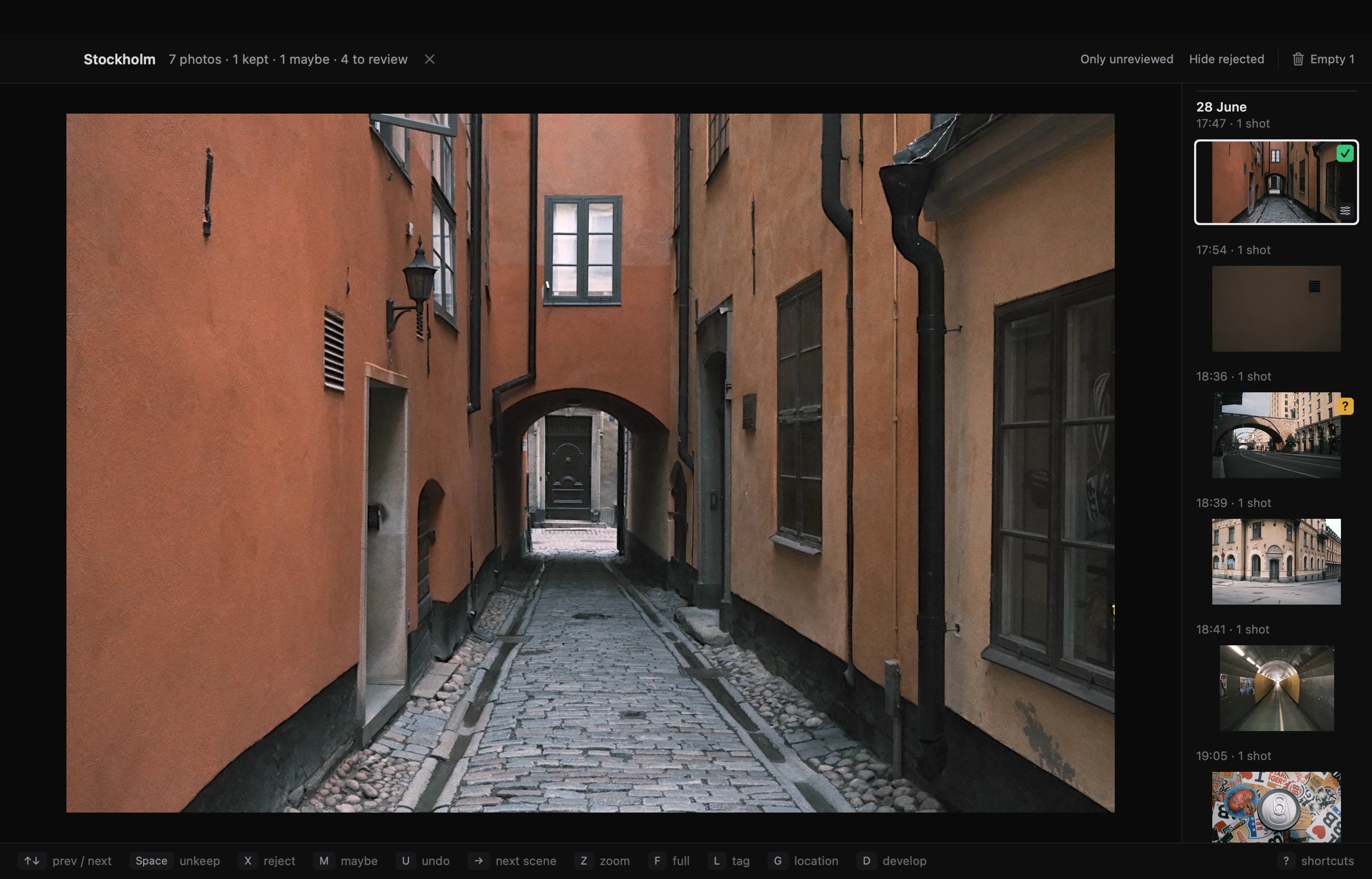
Keep, reject, or mark Maybe.
Fast importing from an SD card or folder. Start culling before image analysis finishes, and zoom in to check focus as you review.
Space keeps, X rejects, M marks Maybe. Each decision advances to the next shot. Press U to undo.
RAW + JPEG pairs stay together, so you review each shot once.
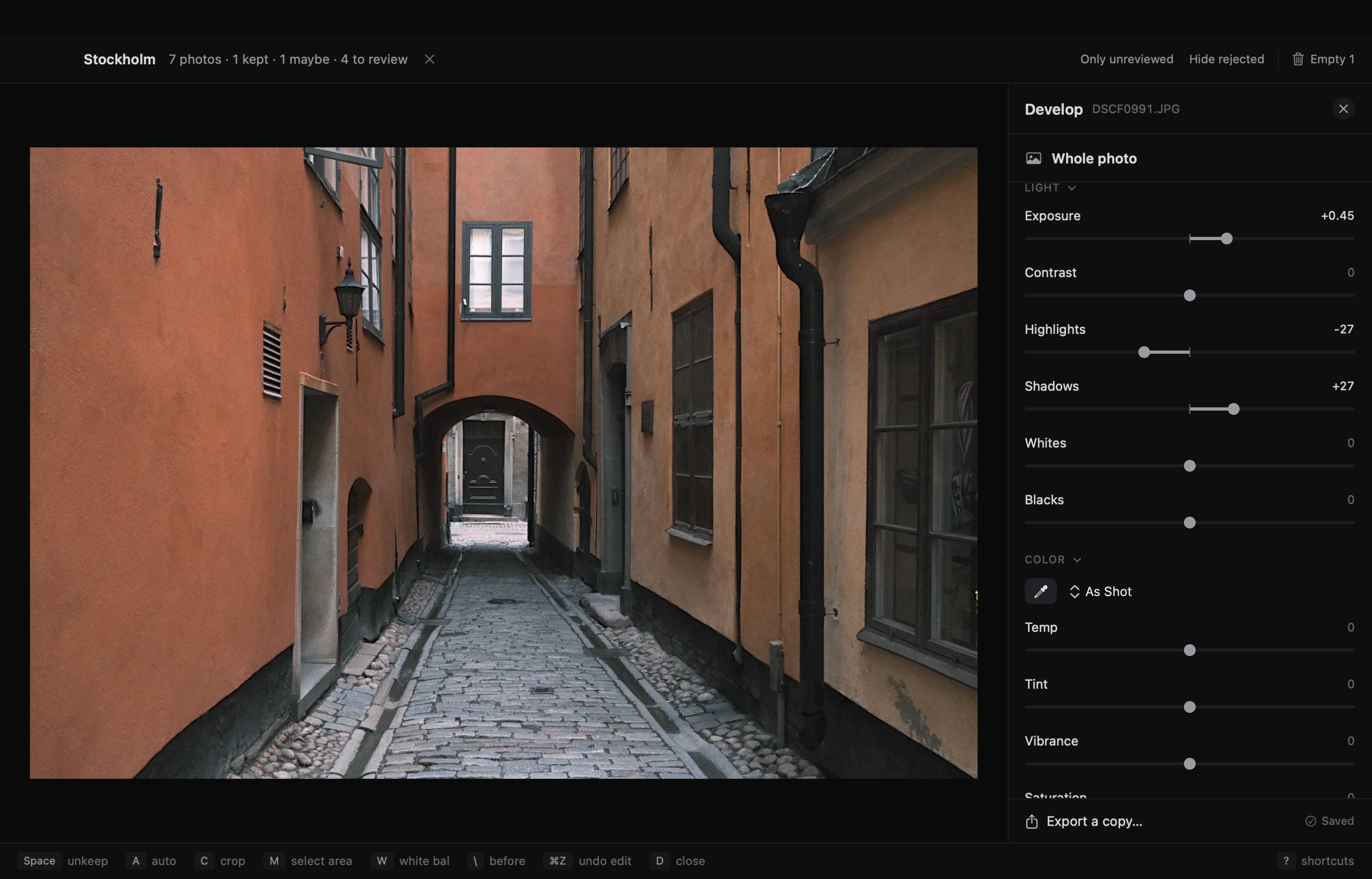
Adjust light, color, and crop.
Change exposure, recover highlights, lift shadows, and set white balance. Crop and straighten in the same view.
Edits save automatically. Compare with the original or undo an adjustment at any point.
Export an edited JPEG or TIFF copy, leaving the original untouched.
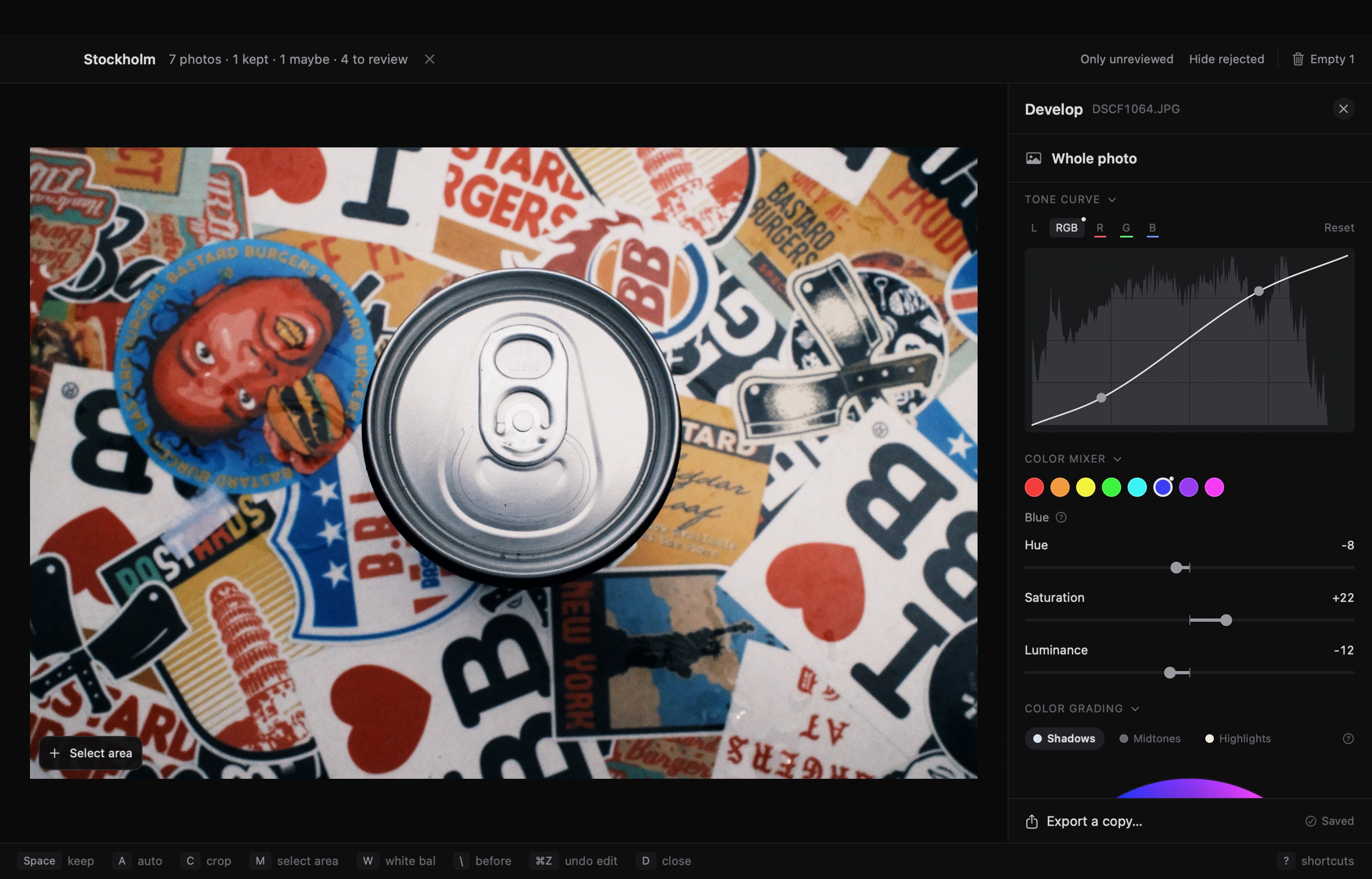
Shape contrast. Adjust individual colors.
Add points to a tone curve to adjust contrast. Work on brightness alone, RGB together, or the red, green, and blue channels separately.
Change hue, saturation, and luminance across eight color ranges. Color grading lets you tint shadows, midtones, and highlights independently.
Edit one area of a photo.
Select the subject, background, or people automatically. Or draw over an object to select it.
Adjust that area’s light, color, and detail separately from the rest of the photo. Add more areas for separate adjustments, or refine a selection by adding and subtracting.

File by date. Find by place or tag.
Add your Keep and Maybe photos to the library. Fovea moves them into folders by year and date, along with their RAW files and edits.
Group photos into collections, add tags, and filter by place. Search by filename or tag.
Your library is an ordinary folder on your Mac. You can open its files in Finder.
Shortcuts for every step.
Keep, reject, and mark Maybe. Open editing, crop, tag, and undo—all from your keyboard.
Press ? in Fovea to see every shortcut.